

Feb 14, 2025
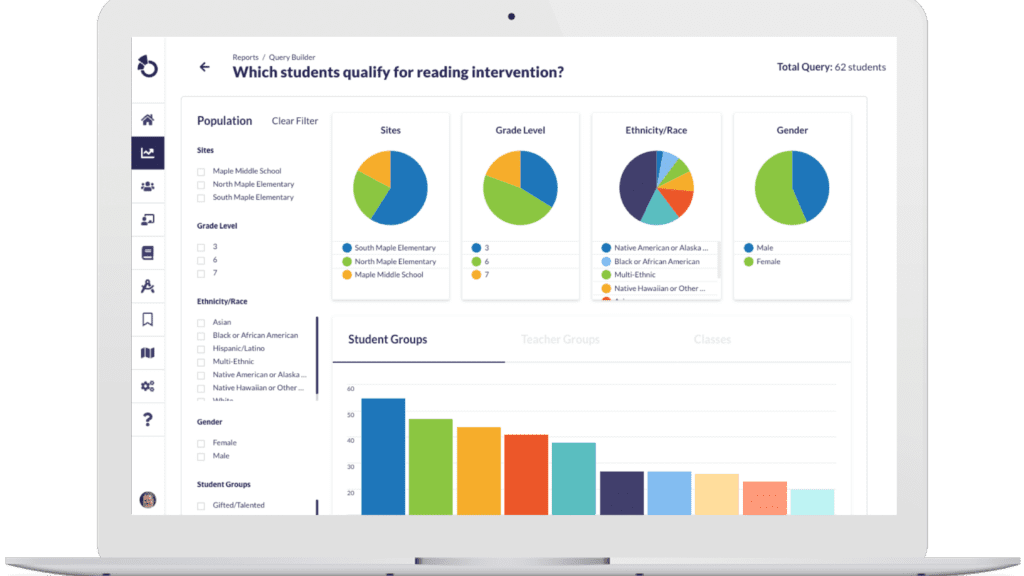
Teacher Groups in Otus let admins bundle teachers together for targeted data views, assignments, or reporting. In this Otus Live PD session, you'll see how to build a group from scratch inside the admin dashboard. Educators will learn how to navigate to the Teacher Groups section, create and name a group, and add teachers.
To learn more about creating teacher groups as an Administrator, please visit the Otus Knowledge Base.
Request a demo!
See exactly how Otus can help your school accelerate student growth and improve student outcomes – all while saving educators time.